
This offer has ended.See live free digital samples
Still live instead:

Plan Your Adventures with 1 Year Free Dyrt PRO
Checked yesterday
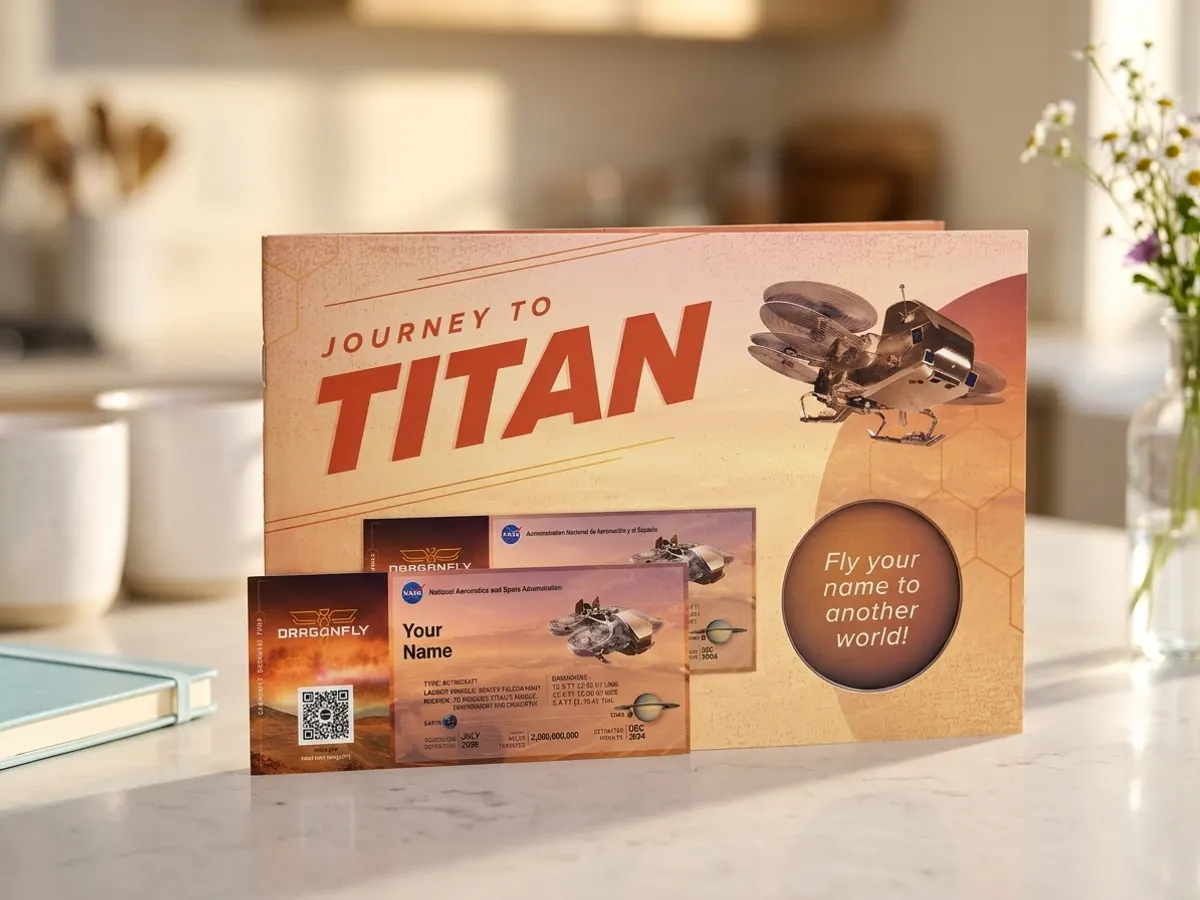
Send Your Name to Titan with NASA

Hot Rod Magazine Digital Subscription for 1 Year
Checked yesterday

Amazon Prime FREE for 6 Months with Prime for Young Adults
Checked yesterday

Endless Entertainment, Zero Cost, Sling Freestream!
Checked yesterday

Flash Drive or microSD Card Sample.
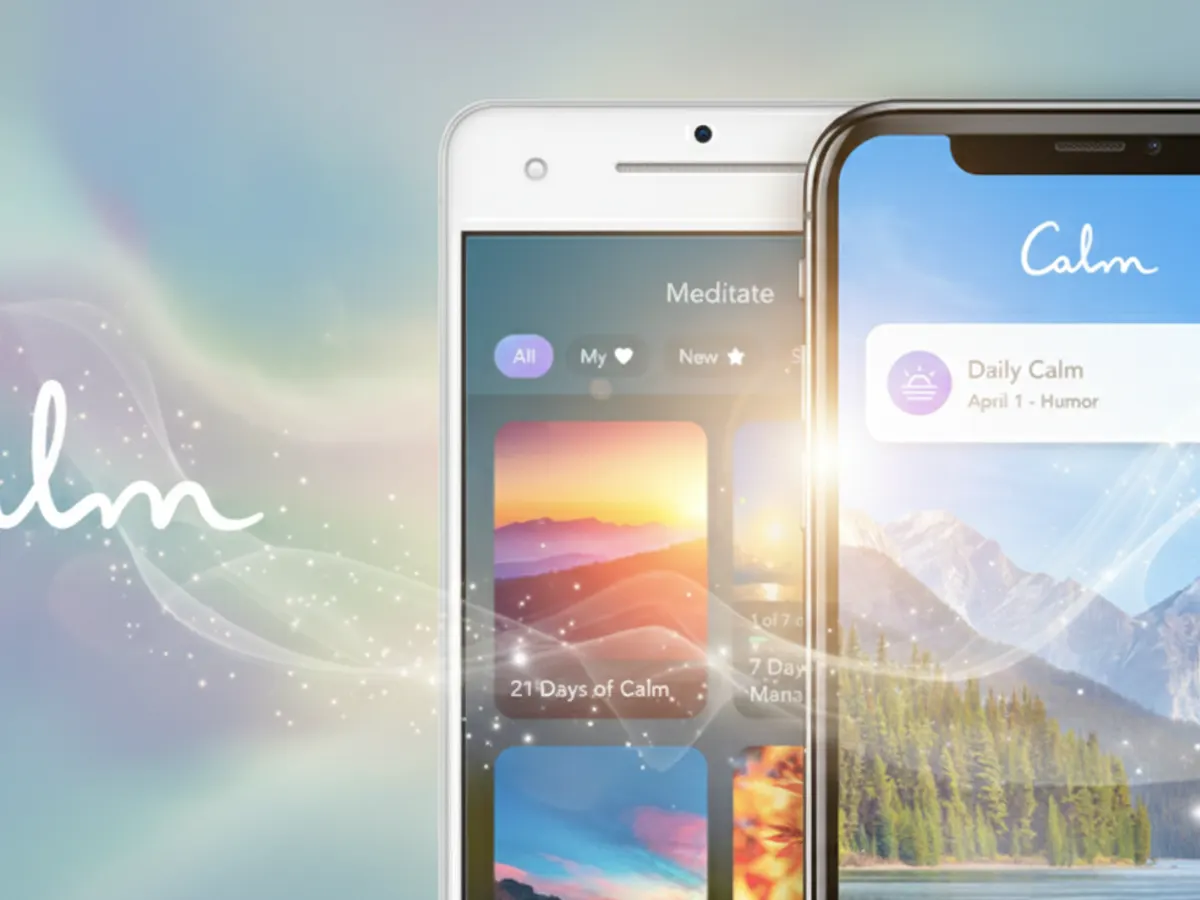
Your Calm Journey Starts Here: FREE Lifetime Membership, Get It Now!
At a glance: Free, no purchase needed. Request it online. US residents only. Ended December 1, 2025.
Unlock a lifetime subscription to the Calm app by using the organization subscription option and entering one of the working codes below. Follow these simple steps to claim your free membership: 1. Download the Calm app on iOS or Android. 2. Open the app and log in, or create a new account. 3. Tap your Pzfile in the bottom right corner. 4. Tap the gear icon in the top left to access settings. 5. Select “Link Organization Subscription.” 6. Enter the organization name and one of the working codes from the list.
- What it is
- Your Calm Journey Starts Here: FREE Lifetime Membership, Get It Now! is a free digital sample listed on TrySpree.
- Who offers it
- The offer is run by calm.com; TrySpree links to it and does not ship anything itself.
- How to claim
- Click "Get Sample" to open the offer and fill out the brand's form.
- Status
- Posted December 1, 2025; marked expired on December 1, 2025 and no longer available.
- Where
- Open to US residents.
- Does Calm send free samples?
- Calm ran this free sample offer, but it has ended. Brands often reopen sample offers, so check the newest offers on TrySpree.
This brand's site blocks automated browsers, so TrySpree can't auto-claim it. It only takes a minute on the brand's site.
The brand ships your sample, usually in 2-8 weeks. TrySpree never charges you.

posted by
Noel85
What the form asks for
You fill these in yourself on the brand's site.
Offer information
- Download the Calm app on iOS or Android.
- Open the app and log in, or create a new account.
- Tap your Pzfile in the bottom right corner.
- Tap the gear icon in the top left to access settings.
- Select “Link Organization Subscription.”
- Enter the organization name and one of the working codes from the list.
Comments